The desk runs the day
The day runs through the desk, not through you.
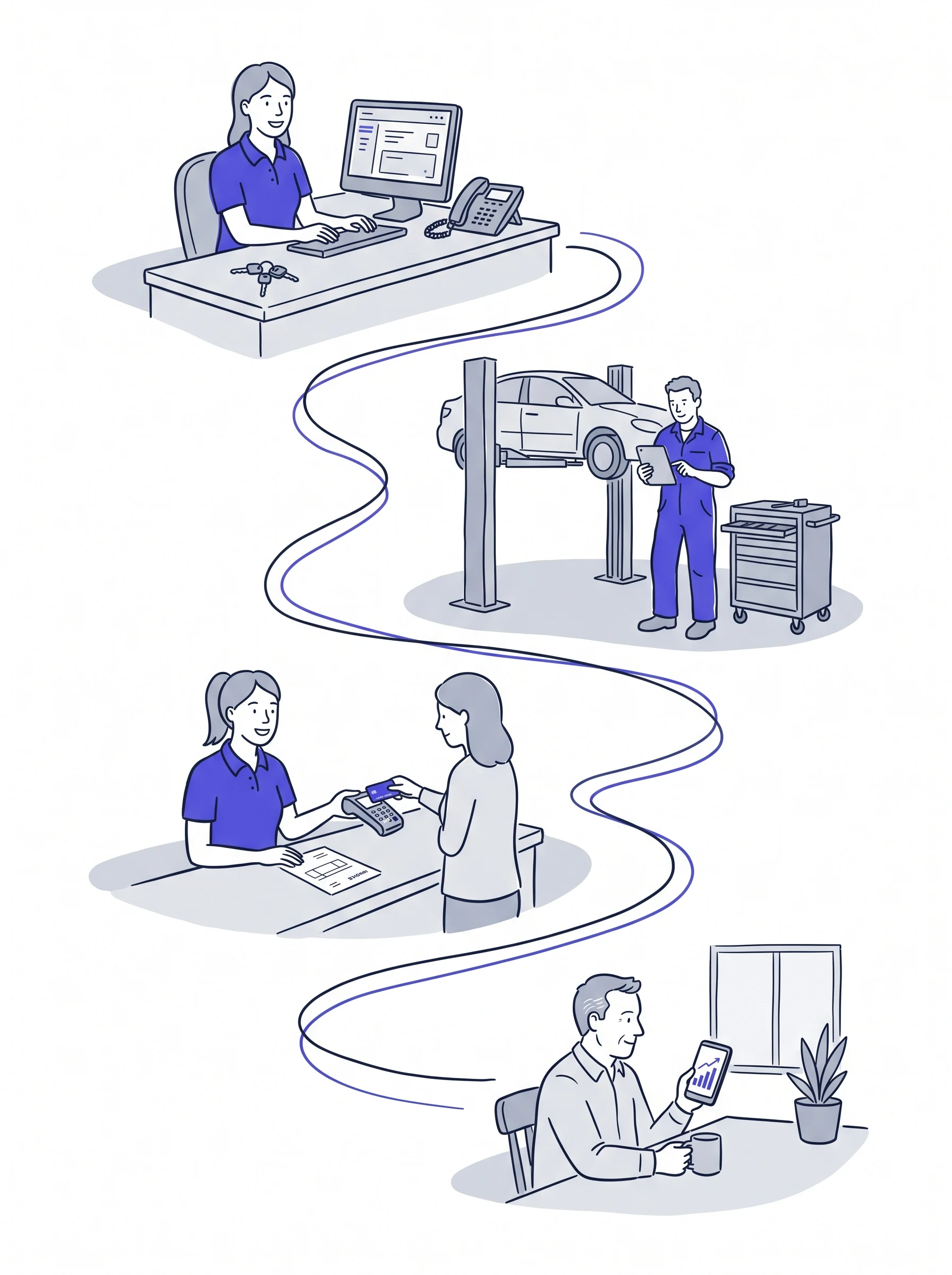
Front of house books the car in. The techs work from the same job card. Parts land on the job with your markup already on them. The customer approves the work from their phone. The invoice goes out the same day, and into your accounts on its own. You see all of it from wherever you are, and none of it waits on you.
Take a day off and see what follows you out of the door. A tech ringing because the tablet has crashed again, the photos will not upload, or the car needs a lot more work than is on the job card. Front of house asking which part to order, because the last time the wrong one went on it cost a lot more than the part. An invoice held back because nobody is sure whether the techs did extra that never made it onto the card.
None of it is complicated, and all of it is already in the system. What wears an owner down is being the one who ties it together: the job card to the parts, the parts to the invoice, the invoice to what the techs actually did. So you go in, or you take the calls on the beach, and the day off is not one.
In a garage that runs without you, the desk has to be able to answer every one of those without ringing you. That is what GarageRevs is built for.
One job card, from the phone call to the invoice
- Booked in while the customer is still on the phone. Front of house types the reg or a name and has the car, its history, the last MOT and any advised work on screen. The booking goes in the diary, and the confirmation goes to the customer by text.
- The techs work the same card. Labour, parts and notes go on the job as the work happens, with the photos and video from the health check. Front of house sees where every car is on the board without walking into the workshop, and so do you.
- The customer approves it from their phone. The advised work goes to the customer by text or email with the photos and videos, they tick what they want done, and who agreed to what is on the job. Nobody rings you to ask if they can go ahead.
Parts and prices, without you
- Supplier invoices straight onto the job. Photograph the invoice, or forward the PDF the supplier emailed you, and the parts land on the right job at cost, with your markup on top. Nobody types part numbers, and nobody hunts for the invoice the driver left on the bench.
- Stock, purchase orders and GSF ordering from the desk. Parts on the shelf come off stock. Parts you have not got go on a purchase order, or straight to GSF, and the job card shows when they are ordered and when they have turned up.
- Trade and fleet rates, set once. Your account customers get their rate without anyone remembering it, and their invoices fall due on their terms, not the default.
- HaynesPro times on the job. Labour is booked against the manufacturer's time for that job on that car, not a guess, so the price is right before the customer is asked.
Invoiced in one click, and nothing changed after the fact
- One click, once the work is signed off. Labour and parts are already on the job, so when the techs are finished the invoice is one click. Branded, with a proper breakdown, emailed to the customer before they have got their keys.
- Paid and recorded, with a name on it. Card, cash or bank transfer, split however the customer paid, logged against the invoice with who took it. Anything still owed is on one list rather than in someone's head.
- Who did what, when, and why, is on the record. A settled invoice cannot be edited, and neither can a job with a live invoice on it. If something is wrong, the invoice is voided and redone, and the record shows who raised it, who voided it, when, and why. The numbers you look at are the numbers that happened.
- Straight into Xero, QuickBooks or Sage. Every invoice and payment goes across on its own. Nobody types it in twice, and month-end is not a scramble to match everything up.
What you see, from wherever you are
The board shows where every car is and what it is waiting on. The job shows what it made on labour and parts. The invoice list shows what is still owed. On your phone at home, on holiday, or in the office with the door shut. When something does need you, it is a decision, not a question the desk could have answered itself.
Everyone gets a login. The bill does not move.
The desk cannot run the day from a shared screen. Every person on the desk and in the workshop has their own login, so the tech updates the job from the ramp and front of house sees it at the counter, at the same time, with nobody waiting for a seat.
That is one price for the garage, however many people you take on. Another tech or another person on the desk gets a login the same day, and the bill does not change.
See the desk run a day
Fifteen minutes on a screen share. We take one job from the phone call to the invoice on a garage like yours, and show you what the desk sees and what you would see from home.